What is an AI Visual Content Creator?
An AI Visual Content Creator is a software tool powered by artificial intelligence that automatically produces visual media—such as images, infographics, short videos, and branded designs—based on user input, content briefs, or pre-set brand guidelines. These tools use advanced machine learning algorithms, natural language processing, and computer vision to interpret text, understand design context, and output compelling visuals tailored to specific marketing or business needs.
Whether you’re creating a product mockup, a social media carousel, or a YouTube thumbnail, an AI visual content creator can handle tasks that would traditionally require a graphic designer or video editor. These platforms can interpret written input—such as “Create a minimalist Instagram post announcing a 50% summer sale”—and instantly deliver a ready-to-publish image.

Why Is an AI Visual Content Creator Important?
In today’s fast-paced digital environment, maintaining a steady flow of quality content is crucial. An AI Visual Content Creator plays a transformative role in helping individuals and businesses overcome the bottlenecks of manual content production.
1. Saves Time and Cost
Traditional visual content creation requires planning, design skills, software knowledge, and multiple revision cycles. With AI, the turnaround time for producing high-quality content is reduced from hours to minutes. This efficiency allows teams to focus on strategy and distribution rather than the time-consuming production process.
2. Maintains Brand Consistency at Scale
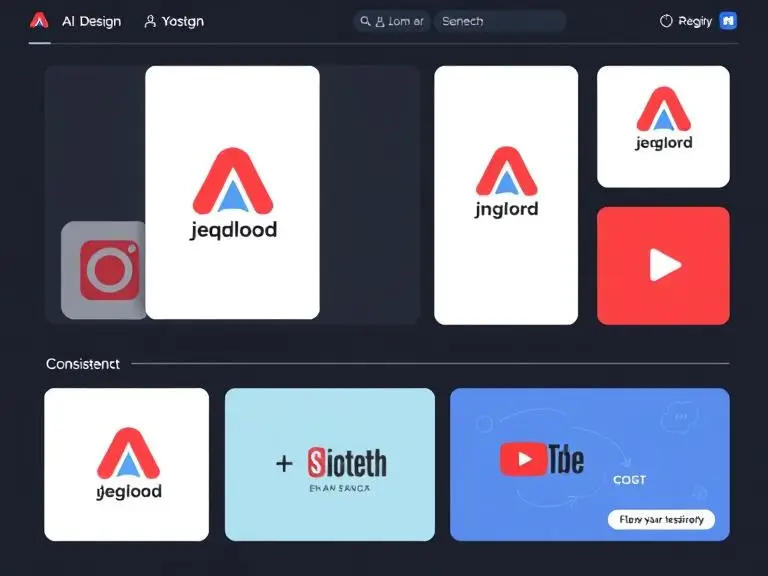
AI content creators like Zooli.ai allow you to upload brand assets—such as logos, color palettes, and typography—and automatically apply them to each visual output. This ensures that all visuals remain on-brand, whether they’re being used for Facebook ads, Instagram stories, YouTube thumbnails, or blog images.
3. Empowers Non-Designers
Not every content creator or marketer is a professional designer. AI visual tools break down that barrier by enabling even beginners to generate stunning visuals without prior design experience. With drag-and-drop simplicity and intelligent design suggestions, AI tools empower users to take full control of their brand’s visuals.
4. Enhances Visual Engagement
According to studies, visuals increase content engagement by over 80%, and AI-generated visuals tailored to specific audiences and platforms boost both click-through rates and time-on-page. AI tools analyze data patterns to understand what kind of visuals perform well and adapt accordingly.

Top AI Visual Content Creator Tools to Use in 2025
The demand for AI Visual Content Creators has surged as businesses strive to produce high-quality visuals at scale. Whether you’re a solopreneur, a marketer, or a content strategist, choosing the right AI tool can significantly enhance your visual branding and efficiency. Here are the best AI visual content creator tools to consider in 2025.
Zooli.ai – The Leading Visual Content Engine
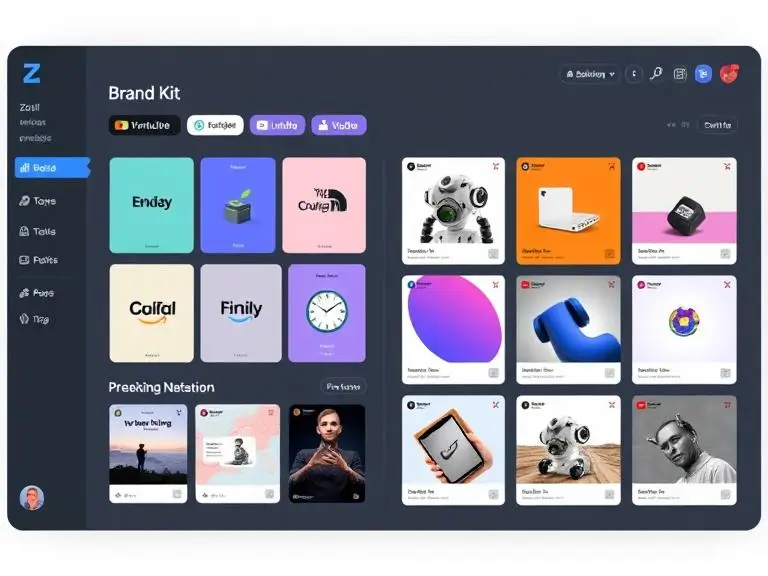
Zooli.ai is redefining the visual content landscape with its advanced generative AI platform tailored for branding. What makes Zooli.ai stand out is its ability to combine design intelligence with brand personalization. It allows users to input brand colors, fonts, tone, and product details—and in seconds, it outputs a series of visuals optimized for Instagram, LinkedIn, YouTube thumbnails, ads, and even carousels.
Key Features of Zooli.ai:
Smart brand styling using brand kits
Image and video snippet generation
Content repurposing (convert one blog into multiple visuals)
Auto-formatting for multi-platform use
Instant creative variations for A/B testing
Canva AI – Easy, Accessible, and Powerful
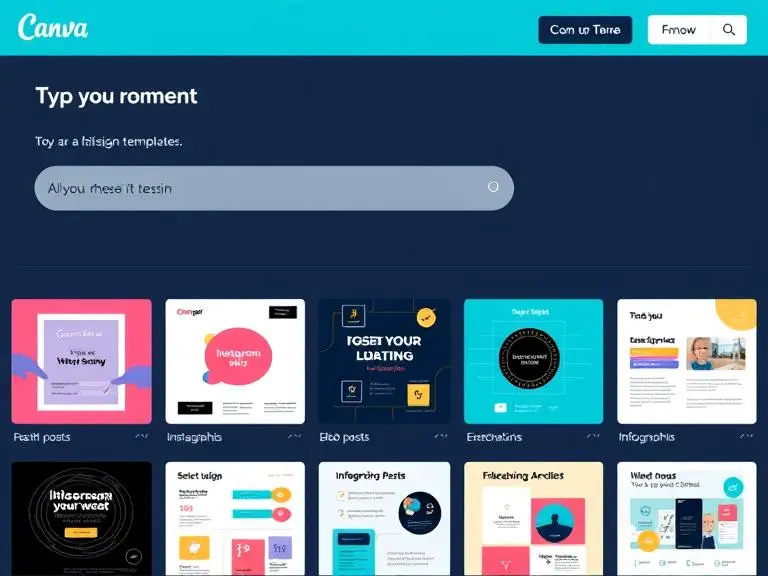
Canva AI is ideal for creators who need a combination of design flexibility and AI automation. Its “Magic Design” and “Magic Edit” features help generate visual content within minutes, with options to adjust tone, theme, and format based on the content prompt. Canva’s interface is intuitive, making it a top choice for beginners and social media teams.
Best For:
Quick image creation
Templates with AI enhancement
Slide decks and infographics
Teams needing collaborative design work
Adobe Firefly – High-End AI Visual Generation
Adobe Firefly offers industry-level tools for creative professionals. Powered by Adobe’s massive creative engine, Firefly specializes in text-to-image generation, object removal, and style transfer. It integrates seamlessly with tools like Photoshop and Illustrator, making it an advanced option for those who want full creative control with AI acceleration.
Ideal For:
Artistic rendering with AI
Marketing visuals for product launches
AI-enhanced photo editing
Branding teams working with Adobe Creative Cloud
Designs.ai – Branding Meets Simplicity
Designs.ai is perfect for entrepreneurs and startups who need instant content generation across formats—logos, videos, banners, and more. The platform provides a streamlined wizard that walks you through inputs and outputs polished assets based on your needs.
Highlights:
Text-to-video automation
Logo and banner design
Social media kits
Fast brand identity creation for small businesses
Lumen5 – Turn Text into Video Content
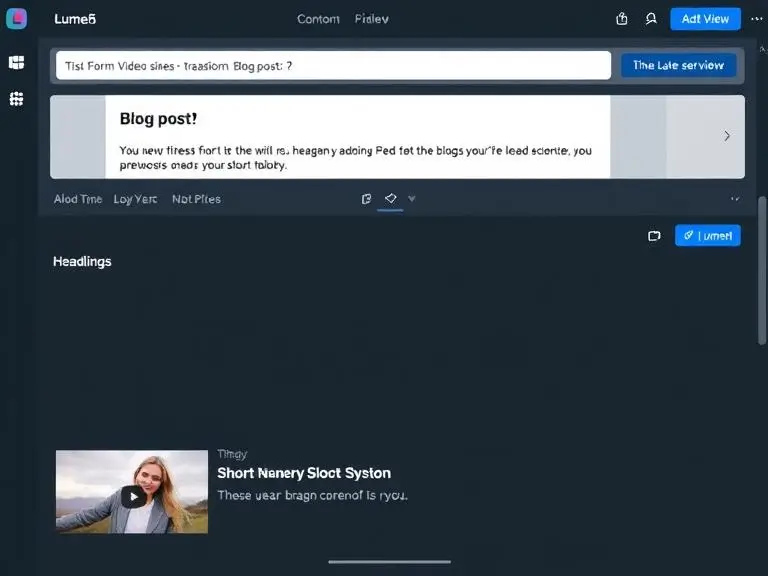
Lumen5 specializes in transforming written content into engaging short videos using AI. It’s ideal for repurposing blog posts, scripts, or newsletters into visual stories. With drag-and-drop visuals and AI-generated narration, it’s a top choice for content marketers and educators.
Features:
Convert blog articles into videos
Add branded colors and logos
Script-based visual storyboarding
AI voiceovers and background music options
How AI Visual Content Creators Support Go-to-Market Strategies
A successful go-to-market (GTM) strategy depends on speed, consistency, and impact. Visual content plays a central role in how a product or campaign is introduced to the audience. An AI Visual Content Creator helps businesses execute GTM plans faster and more effectively by reducing the time and effort needed to produce high-quality marketing visuals.
These AI-powered tools not only streamline content production but also ensure brand consistency across platforms, which is critical for building trust and visibility during product or service launches.
Accelerated Campaign Launches with AI Visual Tools
In the traditional content creation process, producing graphics for landing pages, email campaigns, social media posts, and paid ads often involves multiple stakeholders—copywriters, designers, editors—and time-consuming back-and-forth revisions. AI Visual Content Creators change the game by generating stunning visuals within minutes.
For example, tools like Zooli.ai allow marketers to input product descriptions, campaign themes, or promo messages and instantly receive a full suite of branded visuals ready to deploy.
Key Benefits:
Eliminate delays caused by manual design
Launch marketing campaigns in real time
Generate visual A/B testing variants with a single click
Multi-Platform Visual Consistency
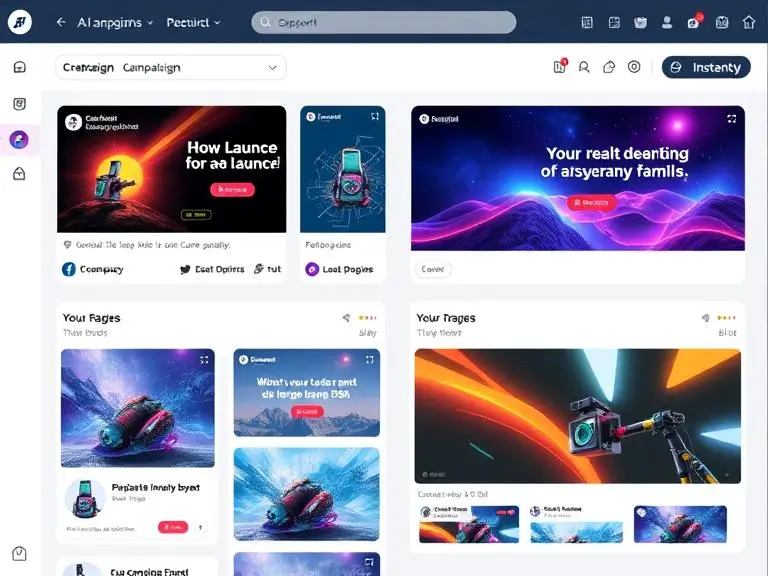
In any go-to-market plan, marketing teams need to publish content across various channels simultaneously—Instagram, LinkedIn, Facebook, YouTube, website banners, email newsletters, and more. Using multiple tools or designers often leads to inconsistent visuals, which can confuse the brand message.
An AI Visual Content Creator helps maintain a unified visual identity across platforms by applying pre-defined brand kits (colors, fonts, logo placements) to every piece of content it produces. This ensures all visuals look cohesive, professional, and instantly recognizable—critical factors for building a trusted brand image.
Real-World Use:
Create a unified launch look across all channels
Apply brand styling without manual adjustments
Reuse and resize the same design for multiple formats
AI Content Creation Enhances GTM Collaboration
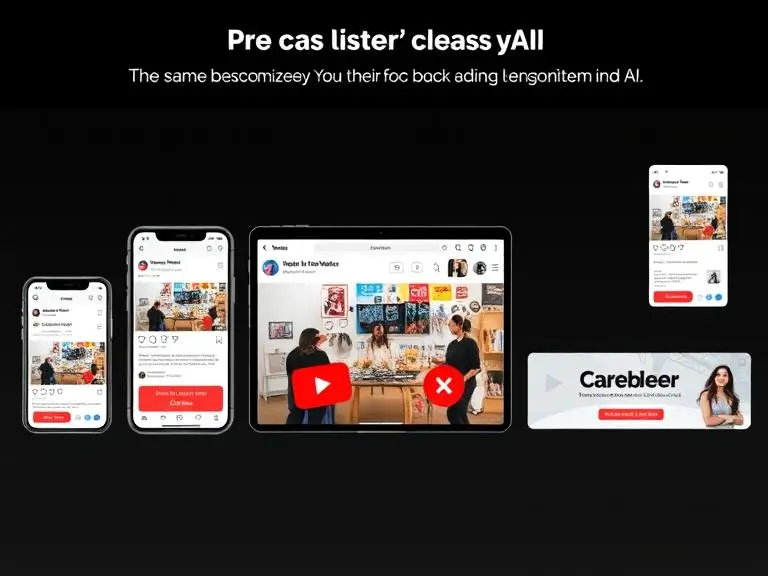
AI Visual Content Creators also support collaboration between marketing, sales, and design teams. Since AI tools require only simple text input, any team member can initiate a content draft—even without design skills. This bridges the gap between departments and accelerates content approval workflows.
Additionally, AI-generated visuals can be easily exported and shared via cloud systems, enabling faster deployment and real-time campaign alignment across all channels.
Highlights:
Improves cross-team collaboration
Reduces content bottlenecks
Shortens approval cycles for time-sensitive launches
Step-by-Step Visual Content Workflow with AI
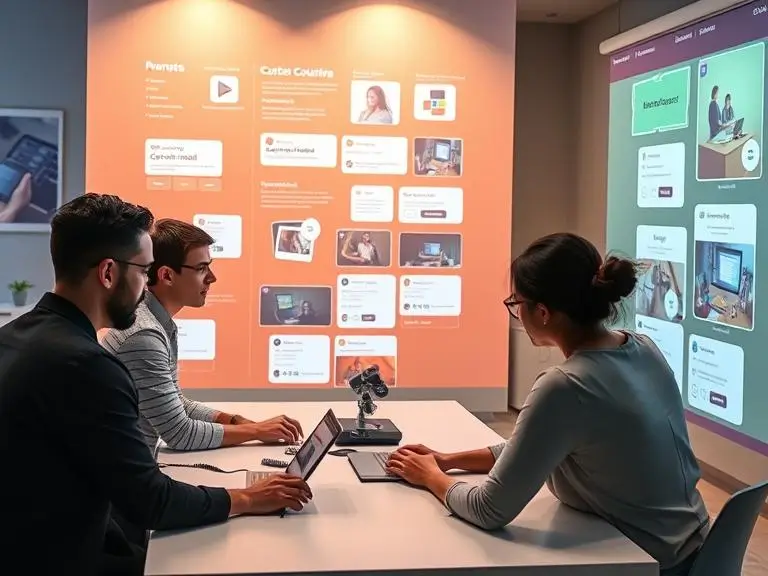
Using an AI Visual Content Creator streamlines the visual content production cycle from ideation to deployment. Whether you’re building assets for social media, product launches, or marketing campaigns, AI tools like Zooli.ai enable you to create, refine, and repurpose visuals at scale without a traditional design team.
Here’s a proven 5-step workflow that maximizes efficiency, creativity, and brand consistency using AI visual tools.
Step 1: Integrate a Visual AI Tool (e.g., Zooli.ai)
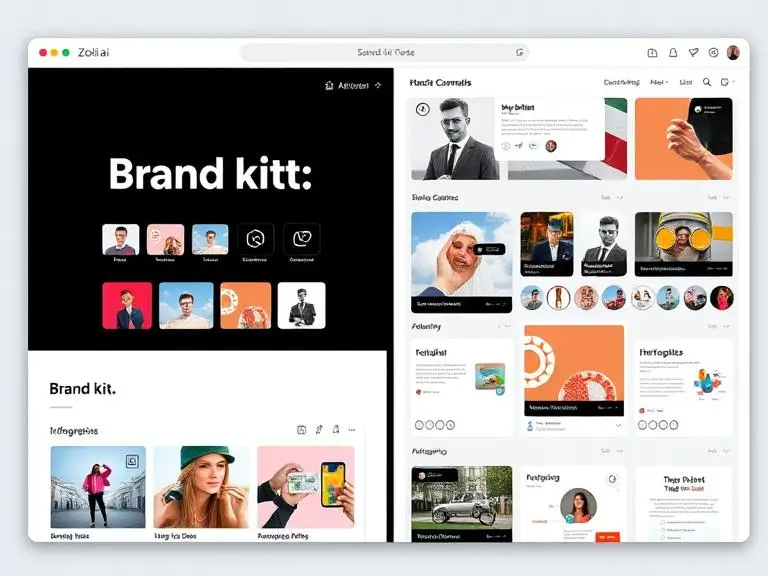
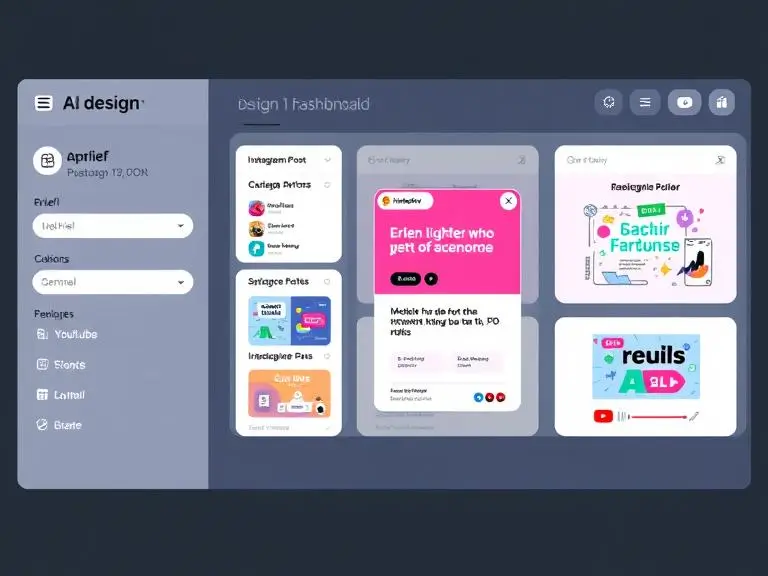
The first step is choosing the right AI Visual Content Creator that aligns with your marketing strategy and brand identity. Zooli.ai is ideal for this, offering capabilities like auto-brand styling, carousel creation, and platform-optimized visuals. Once integrated, you can manage content campaigns and visual branding from a centralized dashboard.
Look for a tool that allows:
Brand kit uploads (colors, fonts, logos)
Platform-specific output (Instagram, YouTube, email, etc.)
Creative automation with minimal manual input
Step 2: Provide Clear Content Prompts or Briefs
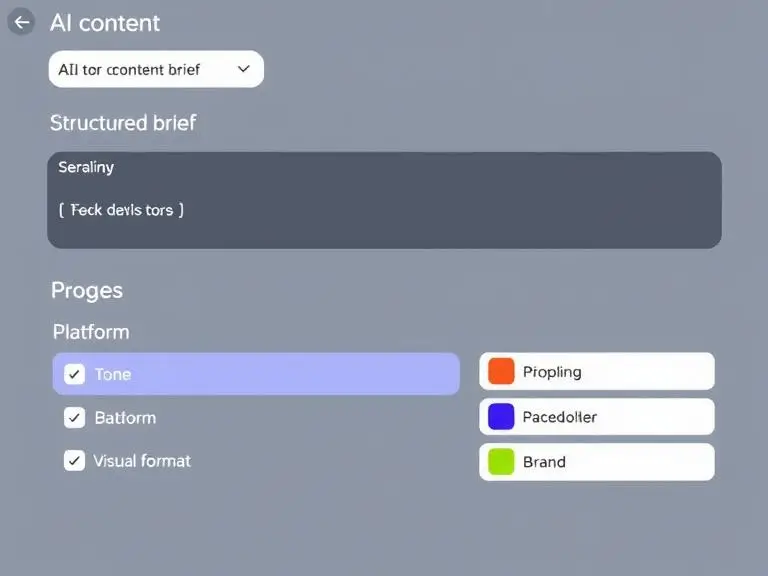
Once your tool is set up, your next task is to feed it clear, structured input. This includes:
Headlines or campaign messages
Product names and descriptions
Moodboards or brand tone guidelines
Target platform (social media, blog, ads, etc.)
The better your brief, the more accurate and relevant the AI’s visual output will be. For example:
“Create a minimalist infographic announcing a 30% discount on eco-friendly shoes. Include product image, green tones, and modern font.”
Step 3: Auto-Generate Draft Visuals
After you’ve provided the brief, the AI visual engine will start generating draft visuals in various formats:
Instagram carousels
Facebook ad creatives
YouTube thumbnails
LinkedIn graphics
Web banners or infographics
These drafts are typically ready in under a minute and formatted according to your platform needs, saving significant time in the content pipeline.
Step 4: Review and Refine
While AI does the heavy lifting, a human touch is still important for finalizing high-impact visuals. Use this step to:
Adjust layout or image placement
Refine text alignment or hierarchy
Swap colors if needed for campaign-specific preferences
Ensure compliance with accessibility or brand guidelines
This step ensures every visual not only looks great but also aligns with your communication goals.

Step 5: Repurpose and Optimize
The final step is to maximize the value of each visual asset by repurposing it across different formats and channels. For example:
Turn a long infographic into an Instagram carousel
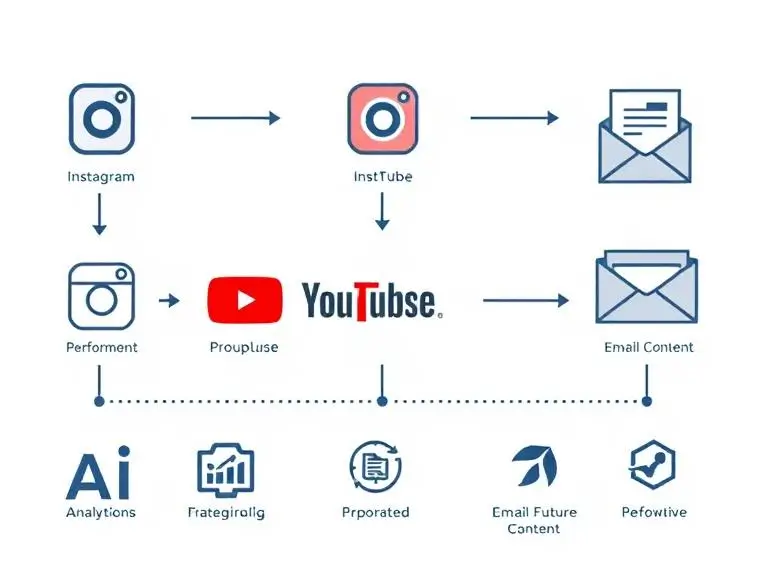
Convert a blog header image into an email banner
Use the same design layout for a YouTube intro screen
Many AI Visual Content Creators include built-in resize and reformat tools, allowing you to adapt one visual into many without redesigning from scratch.
Tips for Optimization:
Use platform-specific headlines (short for Instagram, detailed for LinkedIn)
Add subtitles for videos generated from stills
Optimize image alt tags and filenames for SEO
Tracking Performance of AI-Generated Visual Content
Creating content is only half the job. The true success of any AI Visual Content Creator depends on how that content performs in the real world. Tracking, analyzing, and optimizing your visuals ensures your marketing efforts are not just creative—but also data-driven and results-oriented.
AI-powered visual content tools now go beyond generation. They help you evaluate what works, learn from engagement data, and refine future content automatically—closing the feedback loop between creation and conversion.
Use Metrics to Evaluate Visual Impact
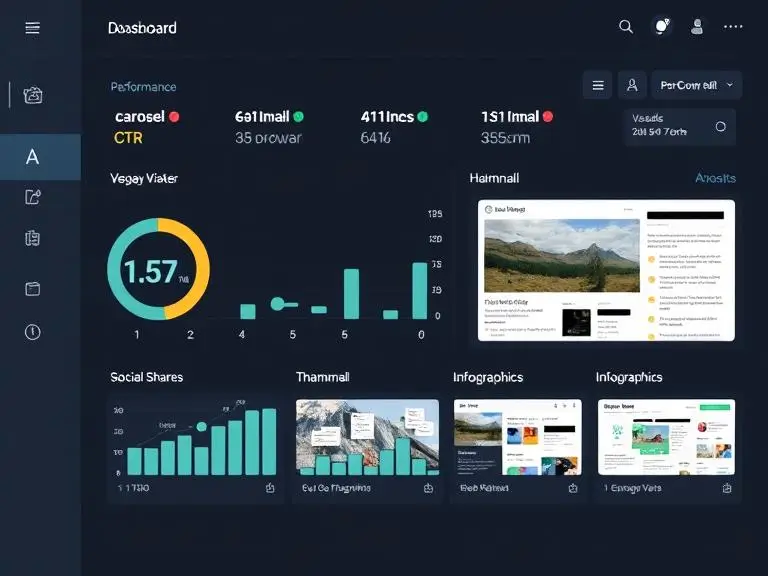
Once you’ve published your AI-generated visuals, the next step is performance tracking. You must assess how each image or graphic performs across different channels like Instagram, LinkedIn, or your website.
Key metrics to monitor:
Engagement Rate (likes, comments, shares)
Click-Through Rate (CTR) from visuals to landing pages
Conversion Rate on product pages where visuals were used
View Duration for AI-generated videos or animations
Platforms like Zooli.ai and other AI Visual Content Creators now allow you to embed tracking tags directly into your visuals or monitor how often an image is interacted with. This gives marketers real-time insight into what styles, formats, and messages are most effective.
AI Optimization for Better Results
AI visual tools don’t just stop at creation—they now learn from the results and improve over time.
Here’s how AI performance optimization works:
Tracking past performance data of each image or video
Identifying patterns in user interaction and success rates
Auto-generating improved versions of underperforming visuals
Suggesting content types that align with top-performing formats
This performance feedback loop enables the AI Visual Content Creator to generate smarter, higher-performing content every time. It reduces guesswork, saves design hours, and drives better marketing ROI.
For example, if a carousel design on Instagram gets higher engagement than a static image, your AI system can prioritize generating more carousel-based content for future campaigns.
Smart Automation Features to Look For:
Auto A/B testing of design variants
AI-led content scoring based on past campaign results
Dynamic optimization suggestions based on user demographics and platform
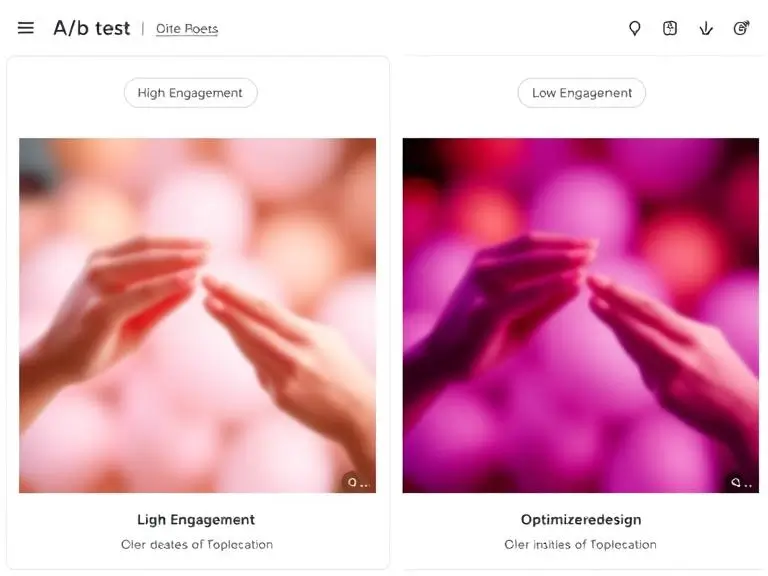
Continuous Visual Content Improvement
By feeding real-world performance data back into your AI system, you create a self-learning creative engine. This empowers your business to build high-impact visuals that improve continuously without reinventing the wheel.
Your team no longer needs to rely on subjective design revisions. Instead, decisions are backed by performance-driven insights—helping you allocate creative resources more effectively and grow faster.
Frequently Asked Questions About AI Visual Content Creators
What is an AI Visual Content Creator?
An AI Visual Content Creator is a tool that uses artificial intelligence to automatically design and produce images, videos, graphics, and animations. These platforms analyze user inputs like text prompts, brand guidelines, or campaign briefs to generate customized visual content quickly. Unlike traditional design software, AI creators optimize for speed, scale, and cross-platform consistency.
Popular AI visual tools like Zooli.ai integrate brand kits, tone of voice, and platform preferences to auto-generate visuals for social media, email marketing, web pages, and advertising.
How does an AI Visual Content Creator benefit my business?
AI Visual Content Creators provide multiple benefits for content teams, including:
Faster turnaround times with instant visual generation
Brand consistency through automated application of colors, fonts, and layout styles
Cost efficiency by reducing the need for full-time designers
Scalability in producing platform-optimized visuals in bulk
Real-time optimization based on performance metrics
With AI, you can streamline campaigns and increase marketing ROI while staying visually professional.
Can AI Visual Content Creators replace human designers?
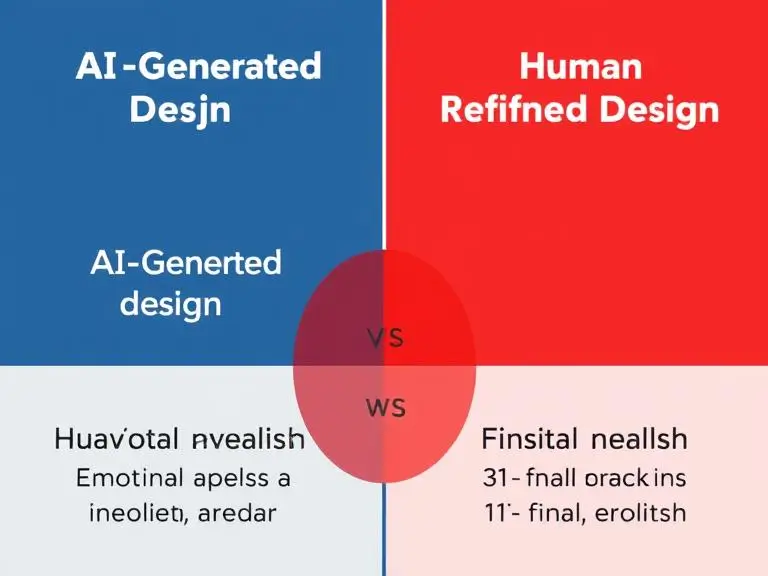
No, AI is not a full replacement for creative professionals. Instead, it acts as a creative accelerator. Designers can use AI to generate drafts, test layouts, or produce large volumes of variations quickly. The human role becomes one of refinement, brand direction, and advanced customization.
Best practices involve hybrid workflows—letting AI handle the heavy lifting while humans ensure emotional impact, brand storytelling, and perfection.
Which AI Visual Content Creator is best in 2025?
As of 2025, Zooli.ai stands out as the leading AI Visual Content Creator. It specializes in brand-aligned design generation and offers tools for:
Social carousels
Infographics
Video snippets
Visual performance analytics
AI-powered repurposing across formats
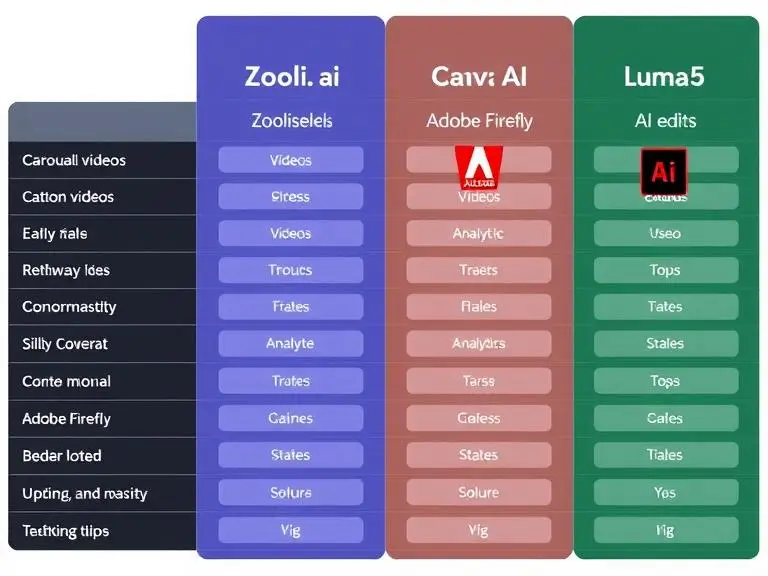
Other top tools include:
Canva AI for beginner-friendly smart design
Adobe Firefly for advanced creatives with Adobe integration
Lumen5 for converting text into engaging videos
Designs.ai for quick multi-format content creation
Is AI-generated content good for SEO?
Yes. When used correctly, AI-generated visual content can greatly improve SEO by:
Reducing bounce rates through engaging visuals
Increasing time on page with eye-catching images and video snippets
Enhancing accessibility with well-tagged media and descriptive alt-text
Improving social shares that generate backlinks and traffic
However, to ensure SEO success, you must still optimize:
File names (
seo-friendly-visual.jpg)Alt-text (
AI-generated Instagram carousel for eco-friendly fashion)Structured data (
ImageObjectschema for Google images)
Conclusion
In today’s fast-paced digital world, leveraging an AI Visual Content Creator is no longer a luxury—it’s a necessity for brands aiming to scale their visual storytelling and stay competitive. From streamlining content production to enhancing go-to-market strategies and driving data-informed improvements, AI tools like Zooli.ai empower marketers and creators to do more with less. By integrating AI into your workflow, you not only speed up the creative process but also ensure visual consistency, performance optimization, and cross-platform impact. Whether you’re launching a campaign, building your brand presence, or repurposing assets, AI visual content creation gives you the agility and quality your audience expects. Now is the time to embrace this smart evolution in content marketing.